- AIsoldier
- Posts
- 🤖 Real or AI? These Avatars Speak, Move & Sell Like Humans
🤖 Real or AI? These Avatars Speak, Move & Sell Like Humans
Sponsored by


🚀 Your AI Insider—Stay in the Loop!
Yo! Let’s break down today’s drop — tools, updates, and a few power plays you’ll definitely want to bookmark.
Here’s what’s buzzing:
⚡ AI Drop of the Day
🔥 5 Must-Try AI Tools.
🤖 AI TOOL of the day
💡 Fresh AI Updates.
🎬 Watch & Learn.
⚡ AI Drop of the Day.
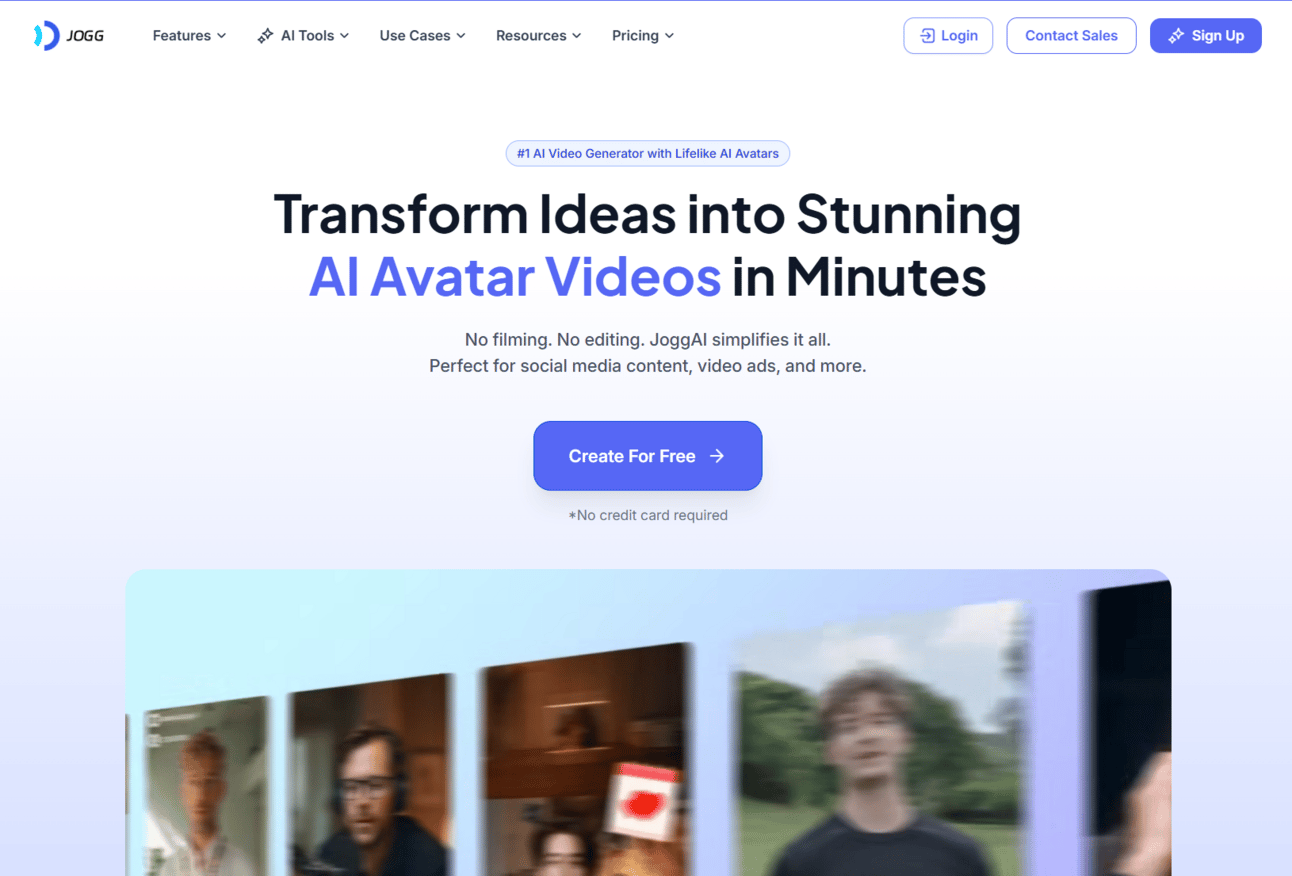
🎬 Jogg.ai – Realistic AI Avatars That Don’t Feel AI at All
You know those weird, stiff AI avatar videos that feel totally off? Yeah — this isn’t that.
Jogg.ai lets you create super realistic AI avatar videos that actually feel human. Your message gets delivered by a lifelike presenter — natural facial expressions, solid eye contact, and smooth voiceover. You just drop in your script, pick a presenter, and boom — you’ve got a clean, on-brand video without stepping in front of a camera.
🧠 Built on advanced avatar modeling and speech AI — so it looks and sounds like a real person delivering your pitch.
Why It Hits:
🎥 Avatars feel real — not like they’re reading off a teleprompter
🎙️ Voices that don’t sound robotic or stiff
✍️ Just type your script — no studio, no editing
💼 Perfect for explainers, product videos, ads, and creators who move fast
If you’re tired of talking-head videos or paying way too much for presenters, Jogg might be your new go-to.
🔥 5 Must-Try AI Tools.
These tools aren’t just smart — they’re serious upgrades for creators, marketers, and anyone building in public.
🎬 Wonder Dynamics
Drop a live actor into your footage, and Wonder Dynamics replaces them with a fully animated 3D character — motion-tracked and scene-matched automatically. No Hollywood budget required.
🎥 Vidnoz AI
Turn text into talking avatar videos in minutes. Super clean, fast, and polished — perfect for ads, explainers, or content when you don’t want to be on camera.
✂️ Opus Clip
Upload long-form video and let Opus clip it into the most viral, high-retention shorts for TikTok, Reels, or YouTube. The AI finds the hooks, edits them for you, and even adds captions.
📊 Gamma.app
Create beautiful, scrollable presentations and web pages from just a prompt. Great for pitch decks, sales pages, or turning rough notes into something people actually want to look at.
💡 Perplexity AI
Think of it as ChatGPT, but with web access and sources. Great for research, writing, and finding real answers fast — with citations to back it up. creatives wanting fast, high-quality results without prompt trial-and-error.
Looking for unbiased, fact-based news? Join 1440 today.

Join over 4 million Americans who start their day with 1440 – your daily digest for unbiased, fact-centric news. From politics to sports, we cover it all by analyzing over 100 sources. Our concise, 5-minute read lands in your inbox each morning at no cost. Experience news without the noise; let 1440 help you make up your own mind. Sign up now and invite your friends and family to be part of the informed.

Ddevi – Build a Whole Website from Just a Prompt (No Tech Skills Needed)
Let’s be real — starting a website from scratch can be a total buzzkill when you’re just trying to get an idea off the ground. That’s where Ddevi comes in.
You give it one simple line about what your site’s about, and it spits out a full-blown website. Headers, sections, layout, even the button styling — all done for you in seconds. It actually looks clean too.
🛠️ Trained to understand modern UX, structure, and design flow — so you don’t need to.
🧠 Goes from idea → website in under a minute
🎨 Polished layout with solid structure and branding
🛠️ You can tweak the copy + colors right in your browser
🚀 Perfect for product launches, client previews, or quick MVPs
If you’ve got an idea and zero time — this is how you make it real without getting lost in Figma or begging a dev friend for help.
💡 Fresh AI Updates.
The AI world doesn’t stop — here’s what’s been buzzing this week:
🧠 Apple's Big AI Upgrade Is Coming in 2026
Apple dropped a sneak peek at its “Apple Intelligence” rollout at WWDC — including smarter Siri, real-time translations, and clean on-device AI features built with privacy in mind. The next wave of AI is coming to iPhones, iPads, and Macs in iOS 26.
👉 Learn More
🚀 AMD & OpenAI Just Took Aim at Nvidia
AMD revealed its new Helios AI server platform powered by MI350/MI400 chips — and OpenAI is already jumping on board. These chips are lean, powerful, and ready to break Nvidia’s grip on the AI compute game.
👉 Learn More
⚙️ Robots & AI Are Quietly Taking Over Supply Chains
Warehouses and global logistics are being transformed by smart AI-powered robots — from automating deliveries to predicting inventory flow. The future of shipping is faster, leaner, and way smarter.
👉 Learn More
🎬 Watch & Learn.
🎬 An easy-to-follow roadmap for learning AI in 2025—perfect for creators who want real-world chops without the fluff.

🧪 BONUS: Make Your Own Dr.Pickle-Style Viral Videos (In Minutes)
You’ve seen those wild, goofy Dr.Pickle AI videos blowing up on TikTok, right?
Well, I made a quick reel showing how you can create them in just a few minutes using free AI tools — no editing skills, no stress.

Here’s the quick rundown 👇
🗣 Step 1: Voice it with AI
Go to ElevenLabs, type your script, and choose the Brian voice. It’s got that perfect wacky-science-teacher vibe.
🧑⚕️ Step 2: Animate Your Doctor
Jump into Adobe Express, pick the animated doctor, upload your voice, and make sure to export it with a transparent background.
📽 Step 3: Grab Background Clips
Head to Canva, search for stock videos or scenes that fit your script, and download them to use as background visuals.
🛠 Step 4: Put It All Together
Back in Adobe Express, layer your animated doc over the background clips, add captions or sound — and boom, you’ve got yourself a viral-ready reel.